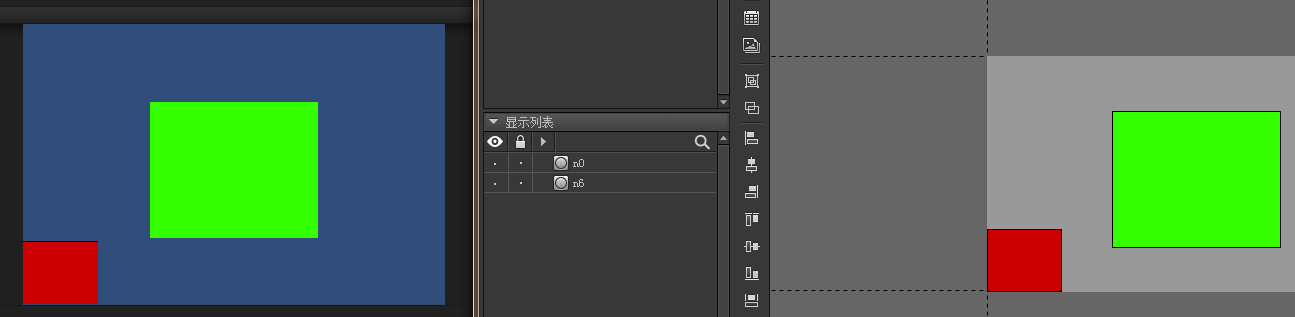
设计分辨率1280 * 720 容器 一个 GImage 关联容器垂直中线,水平中线
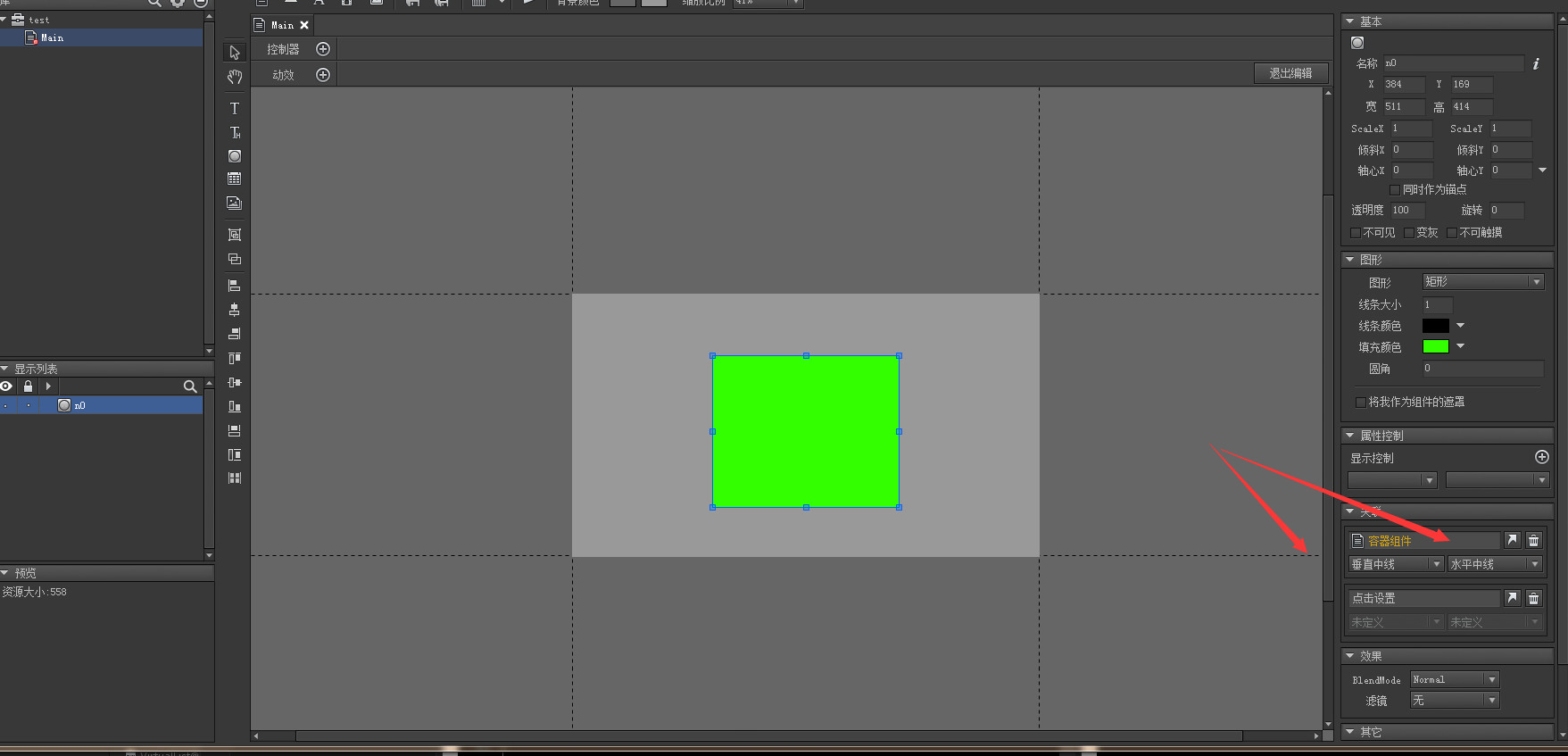
实际分辨率960 * 640
ScreenMatchMode == MatchHeight
得出
    GRoot.inst.width = 1080
    GRoot.inst.height = 720
代码如下
void Start ()
{
    UIPackage.AddPackage("UI/test");

    Application.targetFrameRate = 60;
    GRoot.inst
        .SetContentScaleFactor
            (1280, 720, UIContentScaler.ScreenMatchMode.MatchHeight);

    GComponent mainView = UIPackage.CreateObject("test", "Main").asCom;
    GRoot.inst.AddChild(mainView);
}
但是为什么实际运行的时候在这个分辨率的时候 方块没有垂直和水平中线呢?
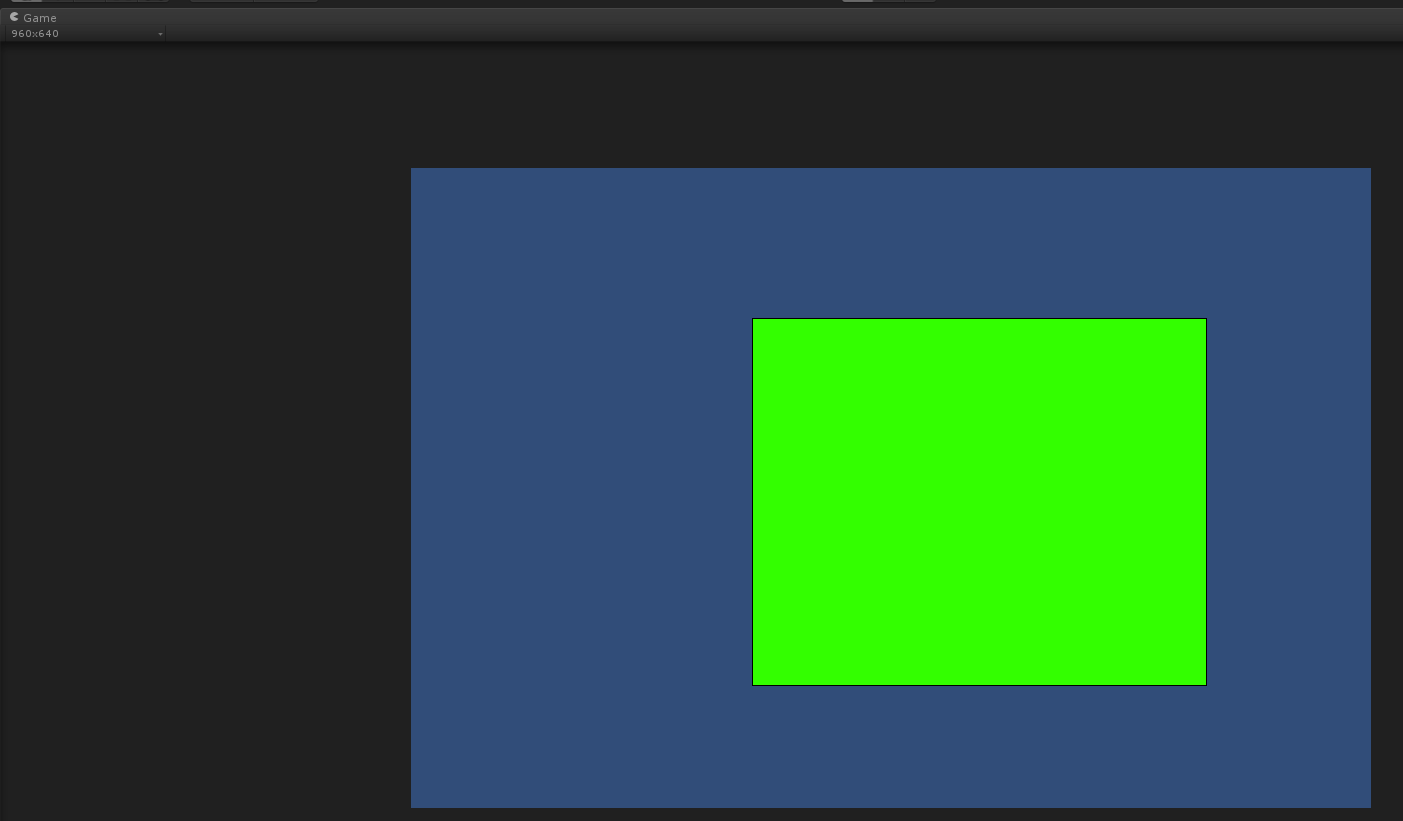
fix1:容器需要铺满
void Start ()
{
    UIPackage.AddPackage("UI/test");

    Application.targetFrameRate = 60;
    GRoot.inst
        .SetContentScaleFactor
            (1280, 720, UIContentScaler.ScreenMatchMode.MatchHeight);


    GComponent mainView = UIPackage.CreateObject("test", "Main").asCom;
    mainView.SetSize(GRoot.inst.width, GRoot.inst.height);
    mainView.AddRelation(GRoot.inst, RelationType.Size);
    GRoot.inst.AddChild(mainView);

    Debug.Log(
        "  GRoot.inst.width  " + GRoot.inst.width
        + "  GRoot.inst.height " + GRoot.inst.height);
}
fix2:后续思考
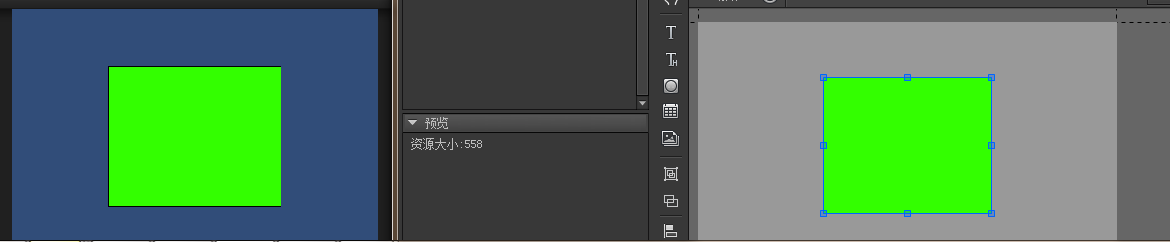
其实我们一对比发现虽然居中没问题了 但是实际上这个GImage还是需要进行大小调整的
参考之前项目里面NGUI的分辨率调整
int ManualWidth = 1280;
int ManualHeight = 720;

if (System.Convert.ToSingle(Screen.height) / Screen.width
  > System.Convert.ToSingle(ManualHeight) / ManualWidth)
    ManualHeight =
        Mathf.RoundToInt(System.Convert.ToSingle(ManualWidth) / Screen.width * Screen.height);


GRoot.inst
    .SetContentScaleFactor
        (ManualWidth, ManualHeight, UIContentScaler.ScreenMatchMode.MatchHeight);